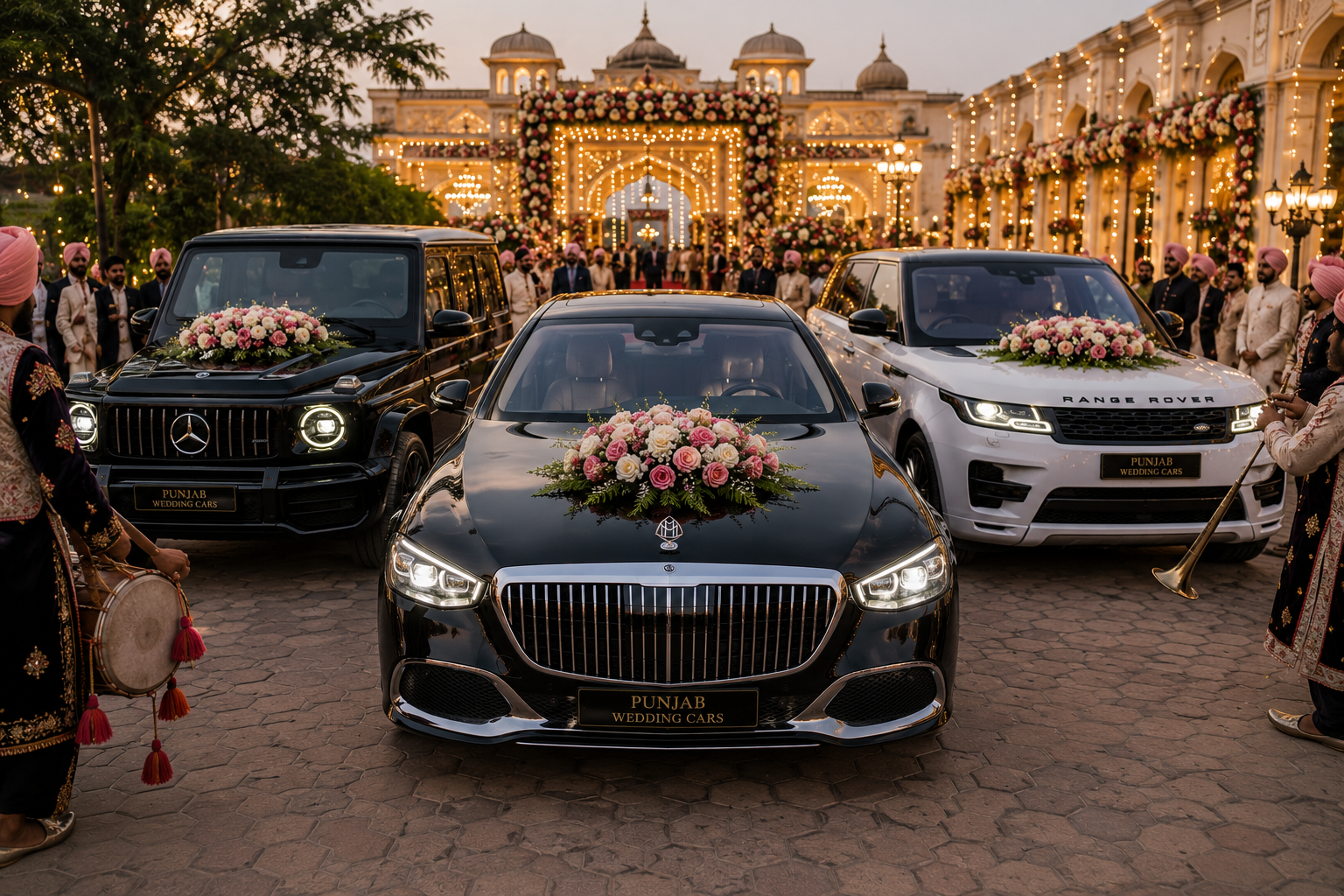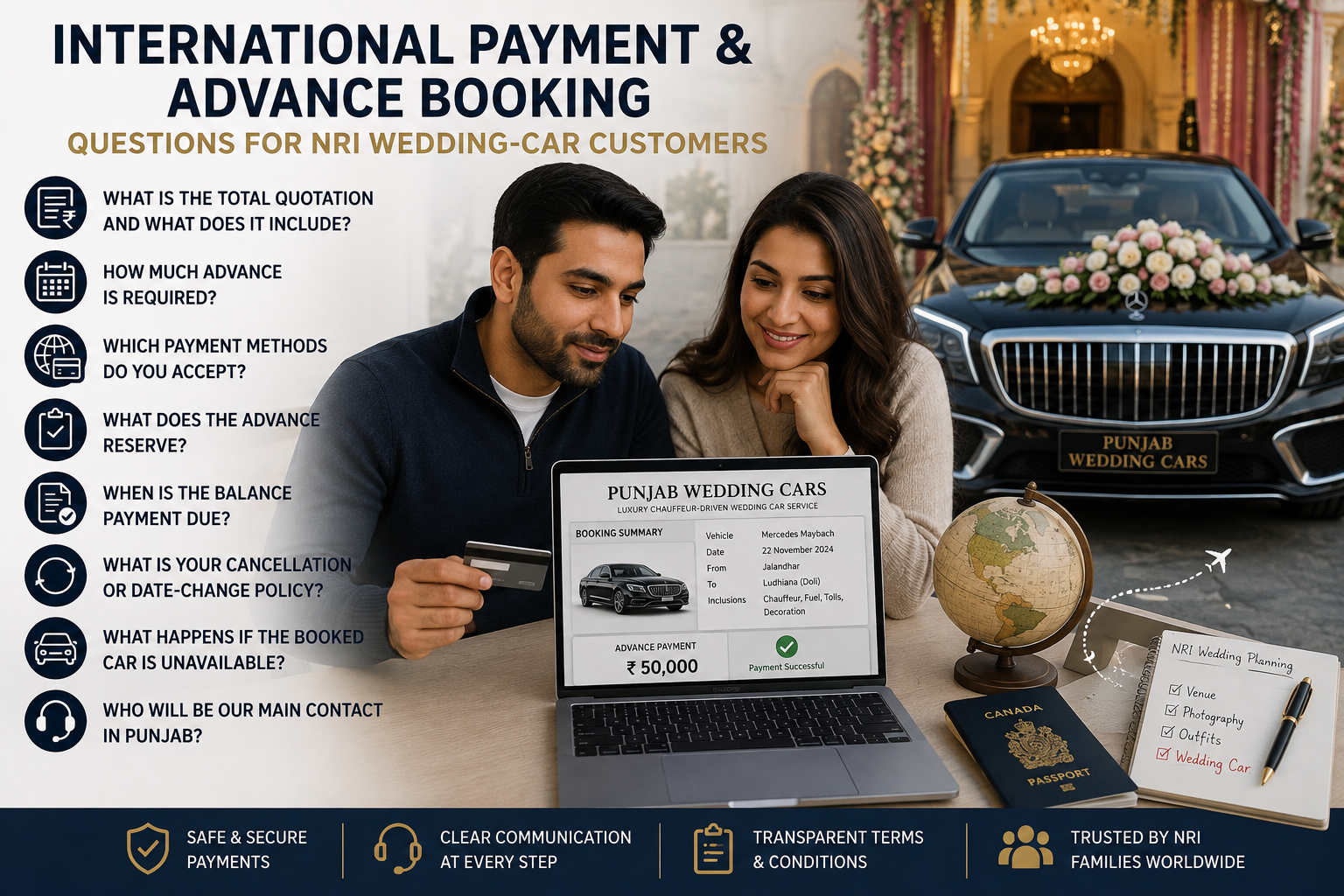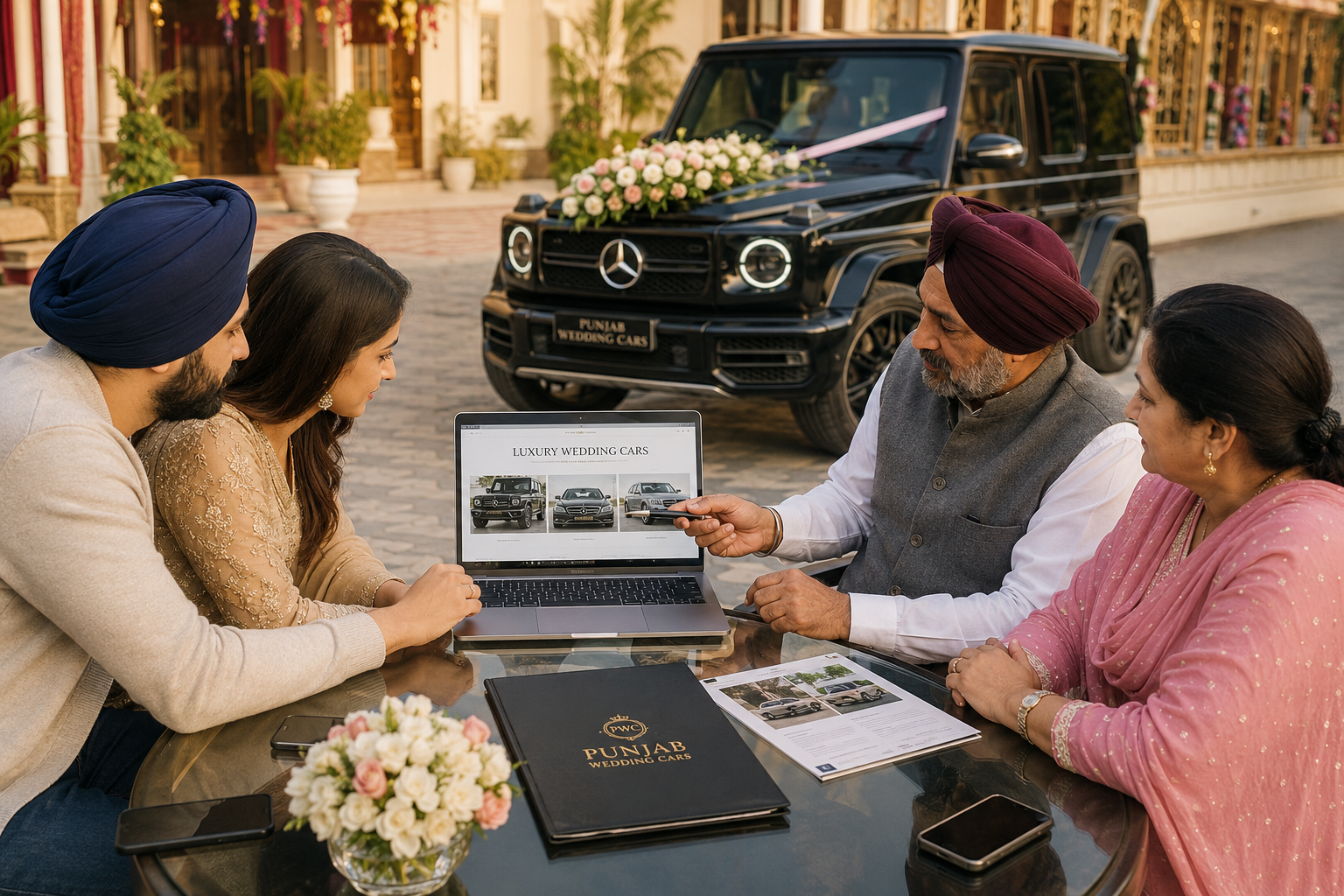
Booking a wedding car through calls and verbal promises can leave families uncertain about the final price, selected vehicle, reporting time and written confirmation. The easier approach is to use the Punjab Wedding Cars app, where you can enter your wedding details, check available cars, view the applicable price and complete the booking online.
The app is particularly useful for busy Punjab families and NRIs organising weddings from Canada, the UK, Australia, the USA or the UAE. Here is the complete process—from checking the price to receiving the car on the wedding day.
Step 1: Download the Punjab Wedding Cars App
Start by visiting the official Punjab Wedding Cars app page. From there, you can download the app for Android or iOS.
The app brings the price check, car selection, booking confirmation and wedding-day tracking into one place. This means you do not have to contact multiple car owners or wait for photographs and quotations to arrive through different messages. (Punjab Wedding Cars)
Step 2: Enter Your Wedding Details
Open the app and enter the information needed to calculate your wedding journey:
- Pickup city and exact location
- Drop location or wedding venue
- Wedding date
- Required reporting time
- Event type
- Bridal, groom-entry or general travel requirement
Enter the complete journey instead of only writing the city names. For example, a groom may need pickup from home, travel to the Gurudwara, waiting during the ceremony and then a drop at the reception venue.
Accurate details help the app show a price based on the actual route and requirement.
Step 3: Check the Wedding Car Price
After entering your journey, use the app to check the applicable price. You can also begin with the Wedding Car Price Calculator before moving to the app to complete the booking.
The price can depend on the chosen car, wedding date, route, distance, waiting duration and pickup or drop location. The app is designed to display the booking price before you confirm the vehicle. (Punjab Wedding Cars)
Step 4: Compare the Available Wedding Cars
Next, browse the available vehicles and choose one that suits your function. You can also review the complete Punjab Wedding Cars fleet before making your decision.
For a groom or baraat entry, families may consider the Mercedes G Wagon G63 AMG, Land Rover Defender or New Range Rover Sport.
For a bridal doli, reception arrival or couple entry, options such as the Mercedes Maybach and Rolls Royce Ghost offer a more formal luxury experience.
Compare cars according to passenger comfort, bridal outfit space, venue access, journey distance and the style of arrival you are planning.
Step 5: Review the Booking Details
Before confirming, check every detail carefully:
- Selected car
- Wedding date
- Pickup and drop locations
- Reporting time
- Price shown
- Route information
- Waiting requirement
- Contact details
For NRI bookings, include the number of a family member or wedding coordinator who will be available in Punjab. This gives the chauffeur a reliable local contact if directions or venue access details need to be confirmed.
Step 6: Confirm and Pay Through the App
When you are satisfied with the selected car and price, proceed with the booking inside the app. Follow the payment instructions displayed during checkout and complete the required payment.
Using the app keeps the vehicle, route, price and confirmation connected to the same booking. It removes the uncertainty that can come with verbal quotations or transferring an advance without a proper reservation record.
Step 7: Receive Written Booking Confirmation
After a successful booking, written confirmation is generated for the reservation. Keep this confirmation safely and share it with the family member managing wedding transportation.
The written record helps confirm:
- Which car has been selected
- The booking date
- The entered journey
- The agreed price
- The status of the reservation
The app states that written confirmation is provided after booking, helping families avoid relying only on verbal promises. (Punjab Wedding Cars)
Step 8: Your Route and Timing Are Prepared
The booking details are then used to prepare the wedding journey. This includes the reporting point, planned route, ceremony timing, waiting period and final destination.
For weddings involving several stops, make sure the booking includes every required location, such as the groom’s home, Gurudwara, marriage palace, photography location, bride’s home, hotel or reception venue.
Inform Punjab Wedding Cars early if the venue, timing or route changes after booking.
Step 9: Track the Car on the Wedding Day
On the wedding day, customers can use the app’s live-tracking facility to follow the vehicle and chauffeur. This is useful for early-morning Anand Karaj ceremonies, large venues, NRI families staying in hotels and weddings where several family members are coordinating the arrival. (Punjab Wedding Cars)
Instead of repeatedly calling to ask where the car has reached, the family can check its movement through the app.
Step 10: The Chauffeur Reports for the Wedding
The chauffeur-driven wedding car reports at the confirmed pickup point according to the booking schedule. The vehicle is then used for the planned groom entry, bridal pickup, doli departure, reception arrival, family transfer or wedding journey.
Keep the pickup area accessible and ensure the designated contact person is available. For the easiest booking experience, use the Punjab Wedding Cars app to check the price, select the vehicle, confirm the booking and manage the journey from one place.